
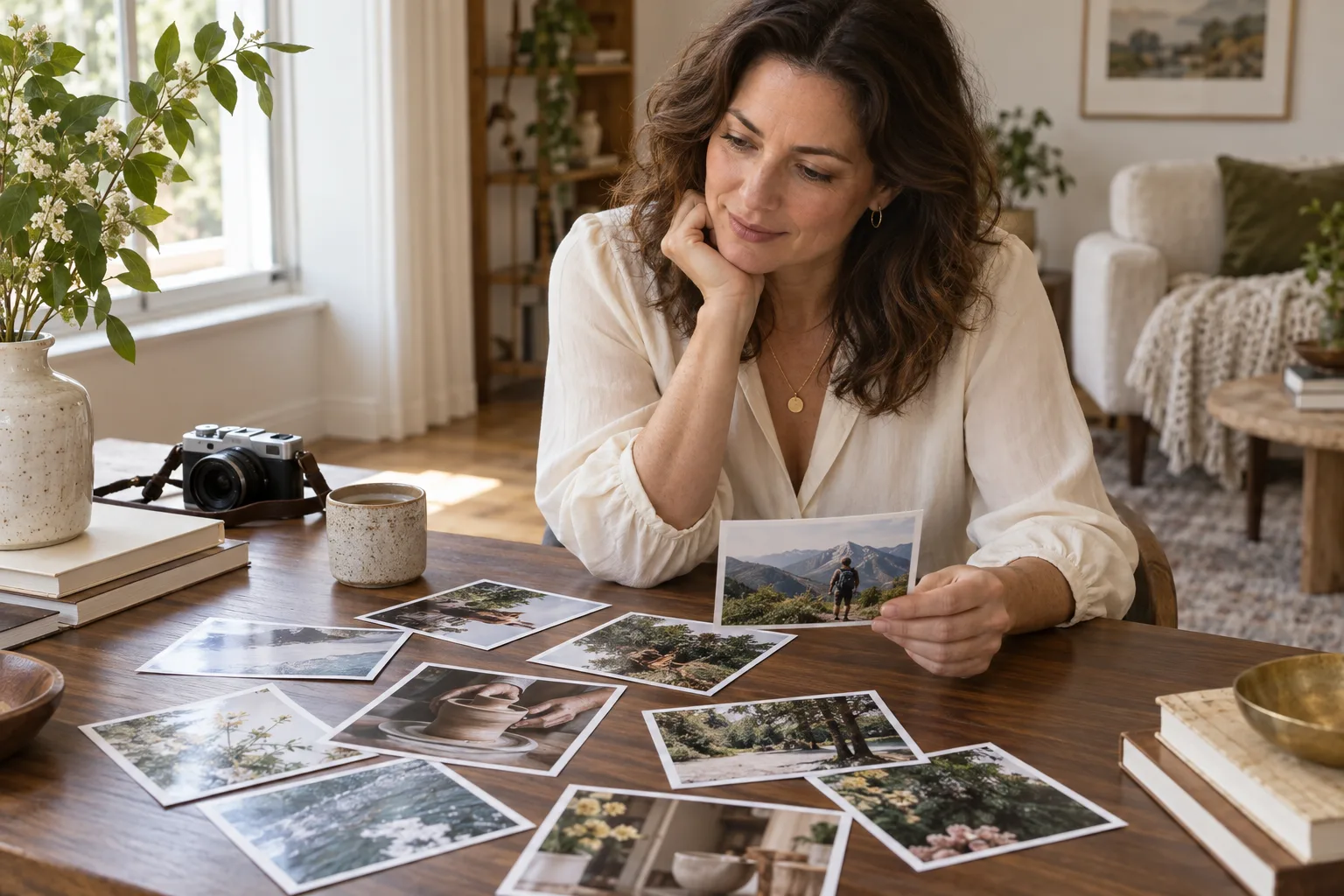
Your profile photos can introduce more than your appearance. A photograph of you making pottery, tending plants, or preparing a meal gives someone a concrete detail to notice. When choosing photos for your MillionaireMatch profile, aim for a small, coherent selection that represents your life now.
This guide focuses on choosing images, not on promising more attention or a particular relationship outcome. Start with clarity, then add context, and finish by checking what each photograph reveals.
Give Each Photo a Different Job
Before uploading anything, sort your options into three groups: a clear introduction, an everyday activity, and a different perspective on your interests. These are editorial suggestions, not a requirement or a statement about how many images the service permits.
- Introduction: A recent solo portrait with your face easy to see.
- Activity: An image of you taking part in something you actually enjoy.
- Context: A photograph that adds a different detail, such as a creative project or time outdoors.
If two images tell the same story, keep the clearer one. Several nearly identical portraits take up space without giving a reader much more to understand.
Start With a Recognizable Portrait
Choose a photograph that resembles how you look today. Soft daylight and an uncluttered background can make your face easier to see. Check the image at the small size someone might see on a phone, rather than judging it only on a large screen.
Avoid a first image in which sunglasses, a distant camera angle, or a large group makes your identity uncertain. You do not need an elaborate photo session. A straightforward image taken by someone you trust can communicate more clearly than an overly staged portrait.
Show an Interest Through an Activity
Think about what you would comfortably talk about after someone notices your photograph. If cooking is part of your week, a picture of you preparing a dish has more personal context than a photograph of an expensive restaurant alone. If you enjoy ceramics, show the project rather than using an unrelated studio as a backdrop.
Ask yourself: Does this image show something I do, or only something I happened to stand beside? Both can be honest, but the first often supplies a more specific introduction.
For example, someone who enjoys cooking and walking might choose a clear portrait, an image preparing a familiar recipe, and a recent outdoor photograph. This is a fictional selection example, not a member success story.
Keep Photos and Profile Text Consistent
Your images and written introduction should describe the same person. If you mention a relaxed routine, there is no need to fill every image with formal events. An occasional trip can be part of your story without suggesting that constant travel is your everyday life.
Where the service offers space for supporting text, a short description can clarify an activity. Write about what you enjoy or learned, rather than listing labels, possessions, or achievements. Check the current upload instructions shown in your account before adding images.
Check the Background Before Sharing
Enlarge each photo and inspect the edges as well as the subject. Look for house numbers, work badges, vehicle plates, tickets, documents, or screens displaying personal information. Choose another photograph or crop out details you do not want strangers to see.
Obtain permission before including other adults. A solo image is often the simplest option when consent is uncertain. Avoid using photographs that expose children or someone else's private information. You can also remove location metadata before uploading; do not assume every service removes it for you.
Keep Editing Modest and Honest
Cropping and small brightness adjustments can improve visibility. Changes that substantially alter your face, body, or surroundings can create a misleading impression. Use real photographs of yourself for your member profile, rather than generated portraits or images of another person.
The illustration accompanying this article is AI-generated editorial artwork. It does not depict an actual member and is not an example to upload as your own profile photo.
A Final Profile Photo Checklist
- Can someone recognize me in the first image?
- Do these photographs reflect my current appearance?
- Does each image add a different, accurate detail?
- Are the interests shown consistent with my introduction?
- Have I checked the background and other people's privacy?
Replace images when they no longer represent you, rather than changing them simply to chase attention. Once your photos and introduction feel consistent, our guide to starting a thoughtful conversation offers a next step. For a separate look at concerning behavior, read about recognizing suspicious profiles.